How to start a routine again
By the Savant teamUpdated 16 November 20262 min read
In this guide
The short answer
When you reach the end, use Do it again to start a fresh run from the first step.
Finish the run you’re on
Check the end screen. It shows what was done and whether you skipped anything. If you still want to do a skipped step, review it before starting another run.
Tap Do it again
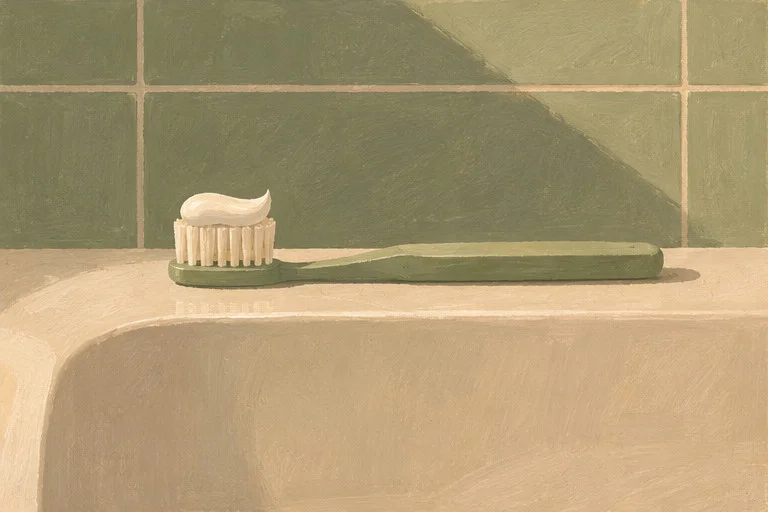
You’ll see the first step and can follow the routine again. This is useful for a routine you do at more than one time of day, such as brushing your teeth.
Change the saved routine when your day changes
Open Settings and choose the routine to edit. Change the instruction or picture you’d like to see for future runs.
Where Savant fits
The sample has a Do it again button after its three steps. Try it to see how a fresh run looks.
Common questions
What’s the difference between Continue and Do it again?
Continue picks up a saved run. Do it again starts a fresh run from step one.