How to take a photo for a routine step
By the Savant teamUpdated 16 November 20262 min read

In this guide
The short answer
Show the object you actually use and leave space around it in the camera’s wide frame.
Photograph the place or object you recognise
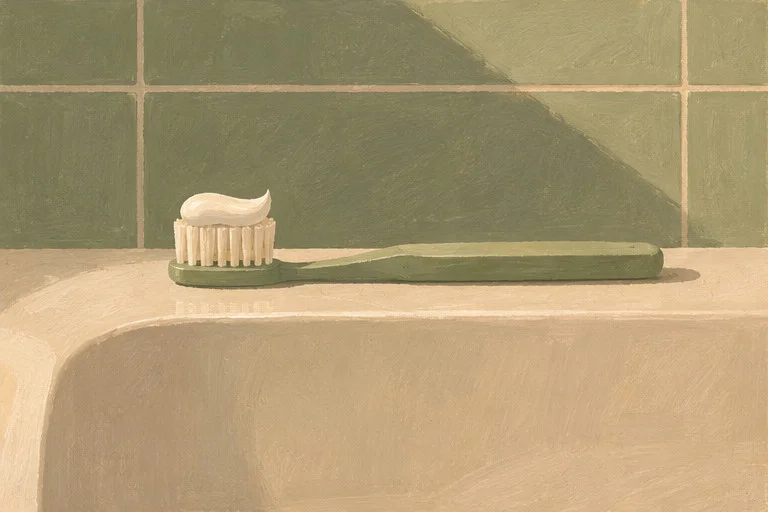
If the step is brushing your teeth, try the toothbrush where you keep it. If you use the same hook every time, a photo of the hook may be clearer than a picture of the whole hallway.
Line up the wide preview
Open the camera from the step editor and use the preview as a guide. Hold the iPhone sideways when that gives you a larger view of the scene. Keep what matters near the centre.
Check it at the size you’ll see it
After taking or choosing a photo, look at the preview in the editor. Watch for an edge that crops out important details. Retake the photo or choose another if needed.
Where Savant fits
Tap Take photo or Choose photo in the step editor. You can also save the step with a written instruction and add a photo later.
Common questions
Can I use a portrait photo from Photos?
Yes. It can be framed within the wide step image, so check that the subject still fits in the preview.